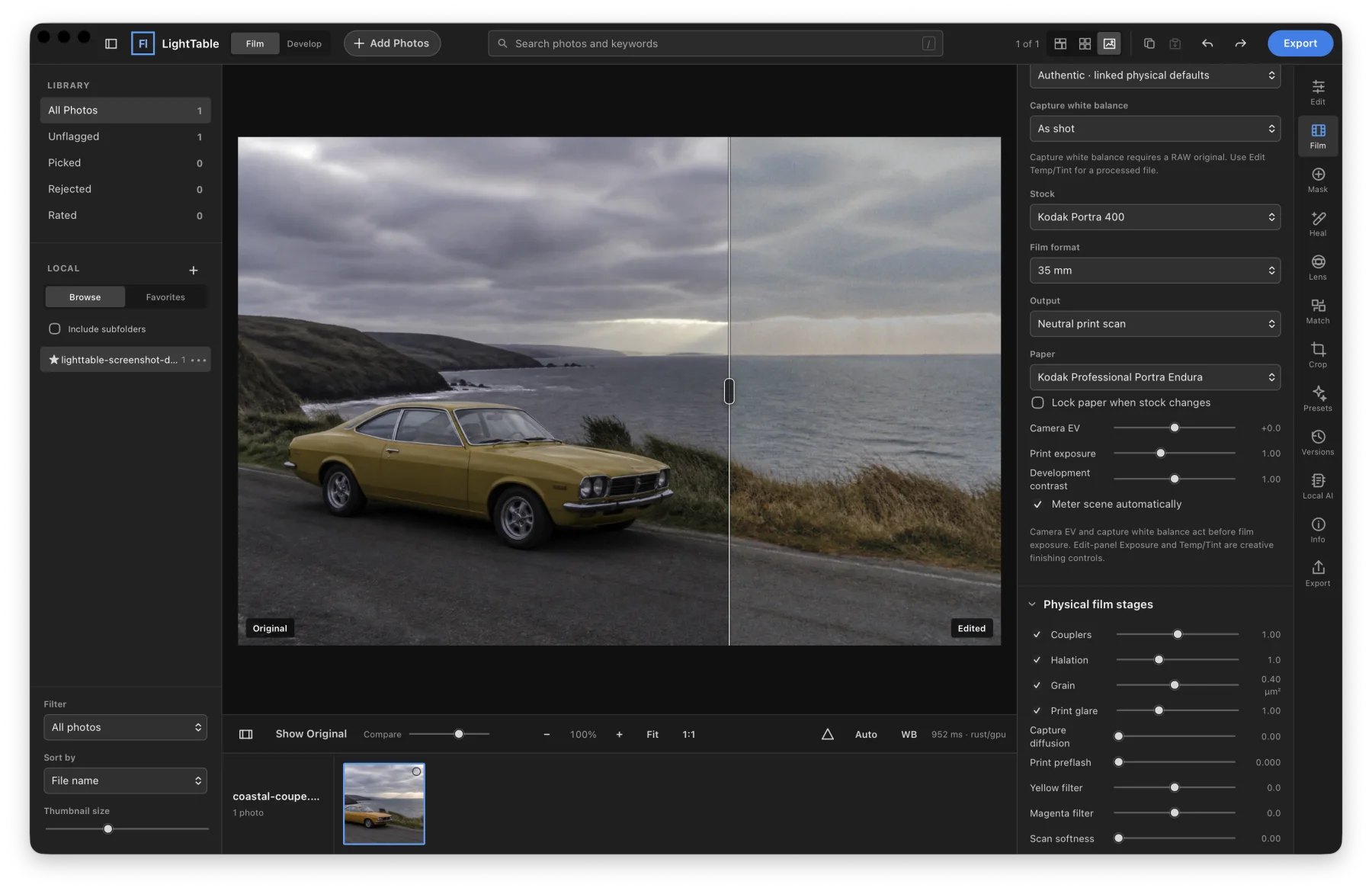
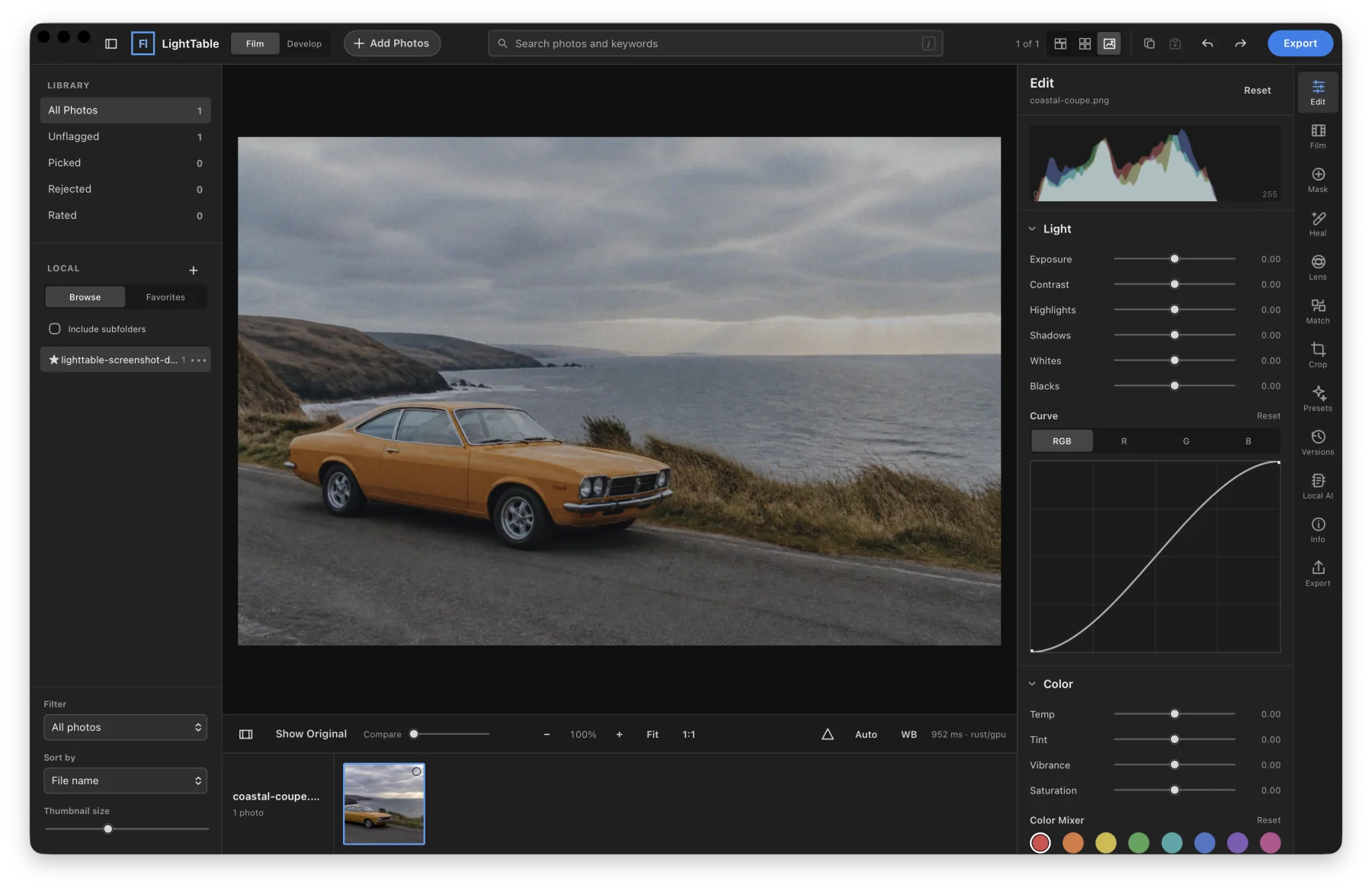
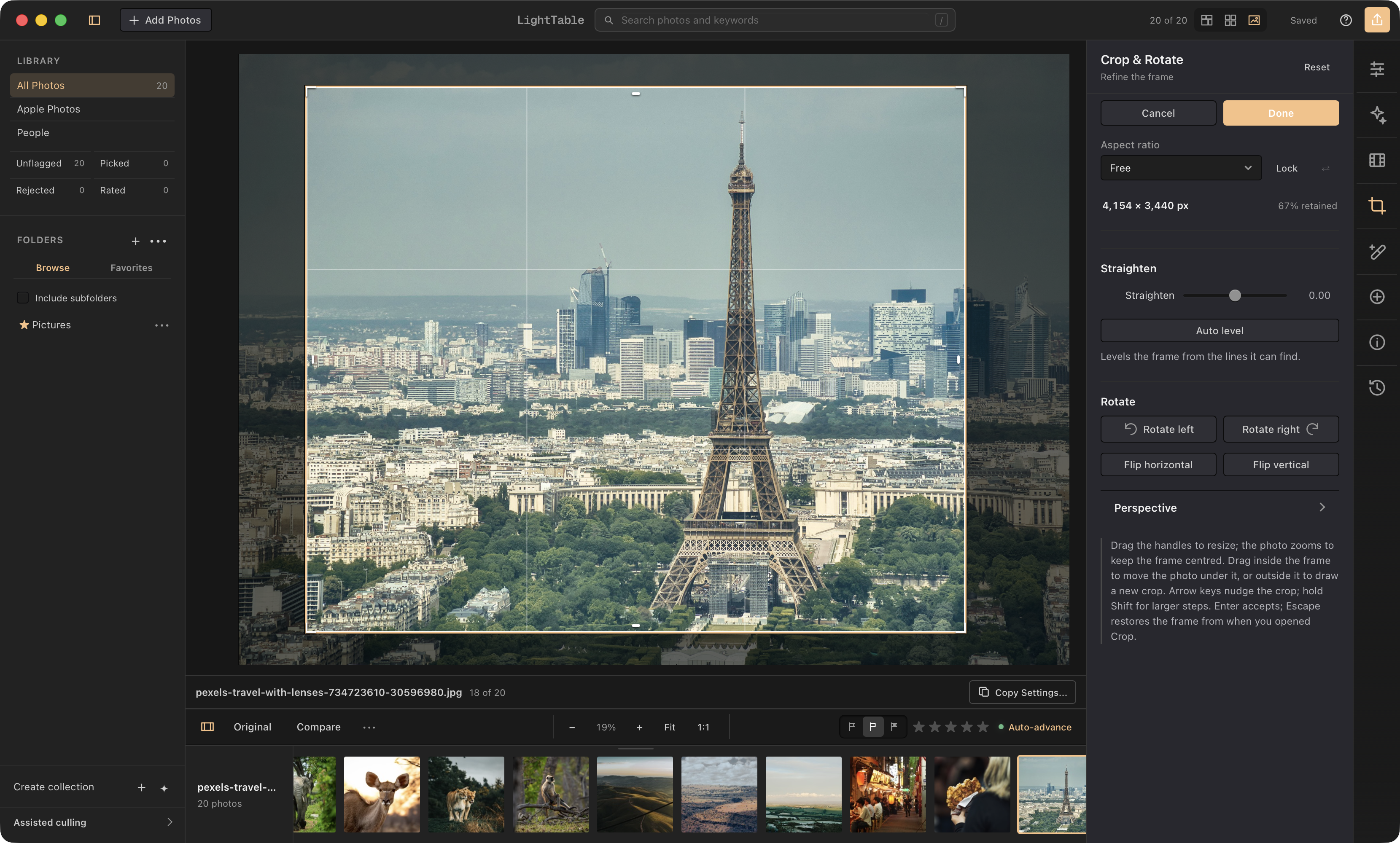
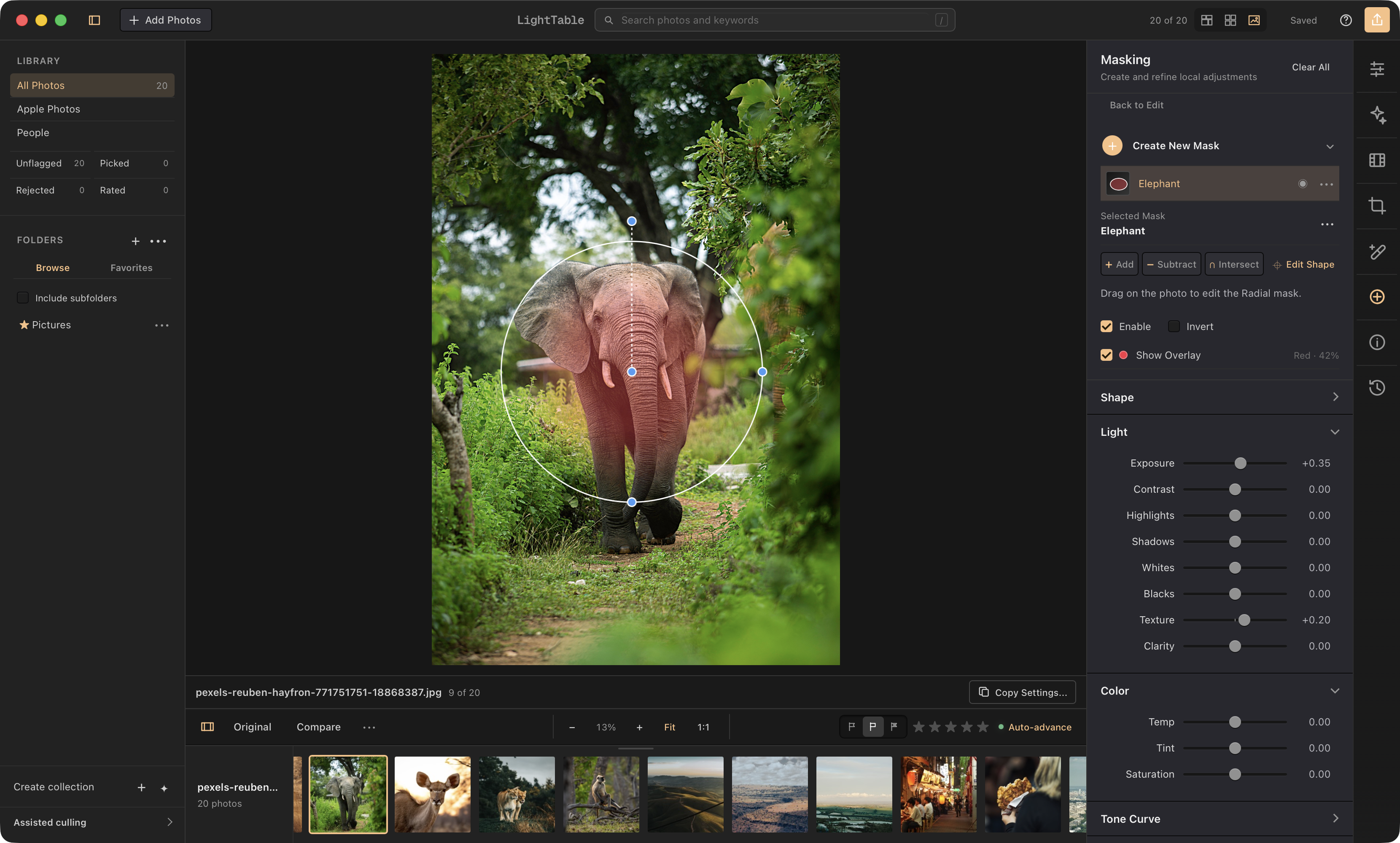
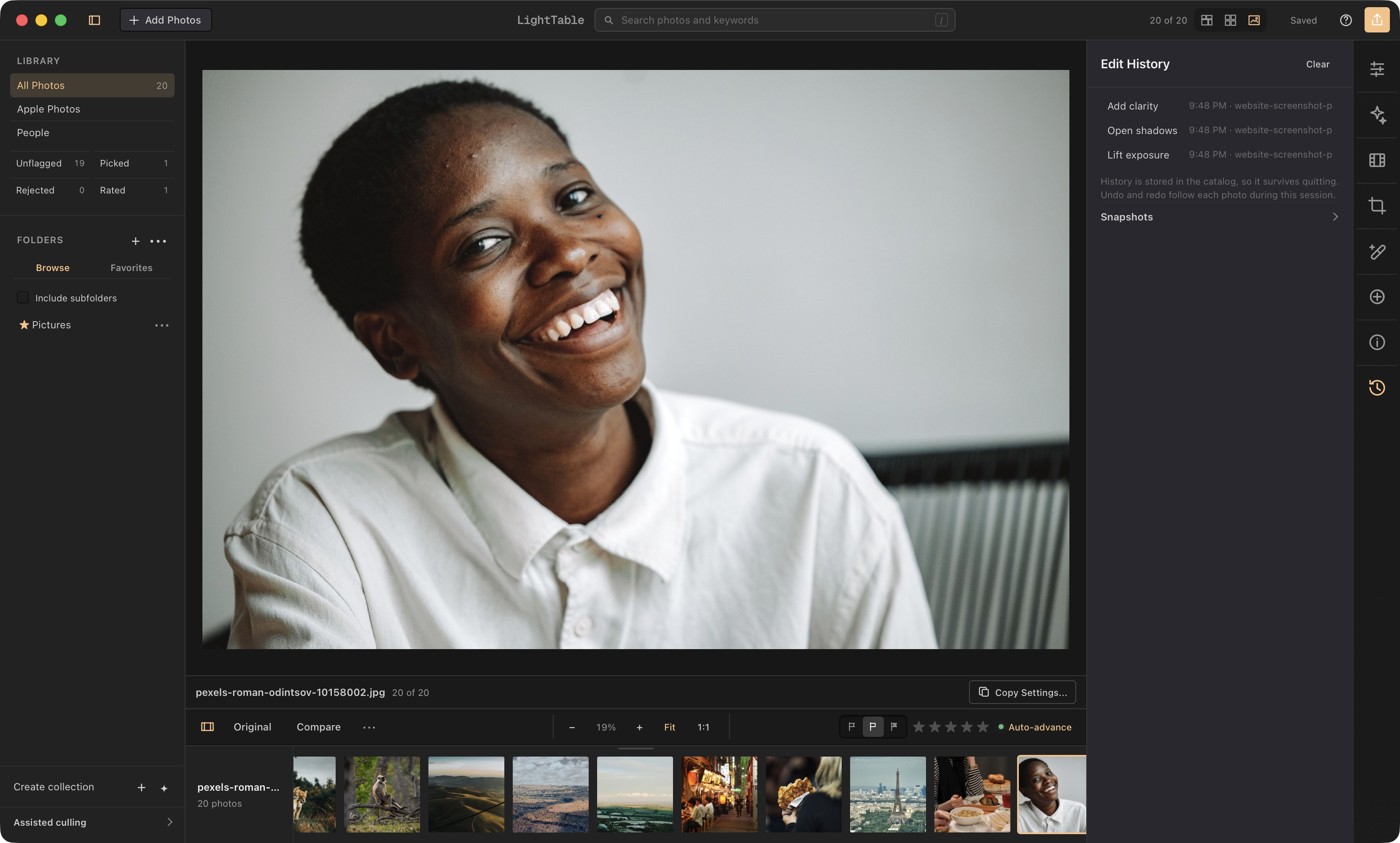
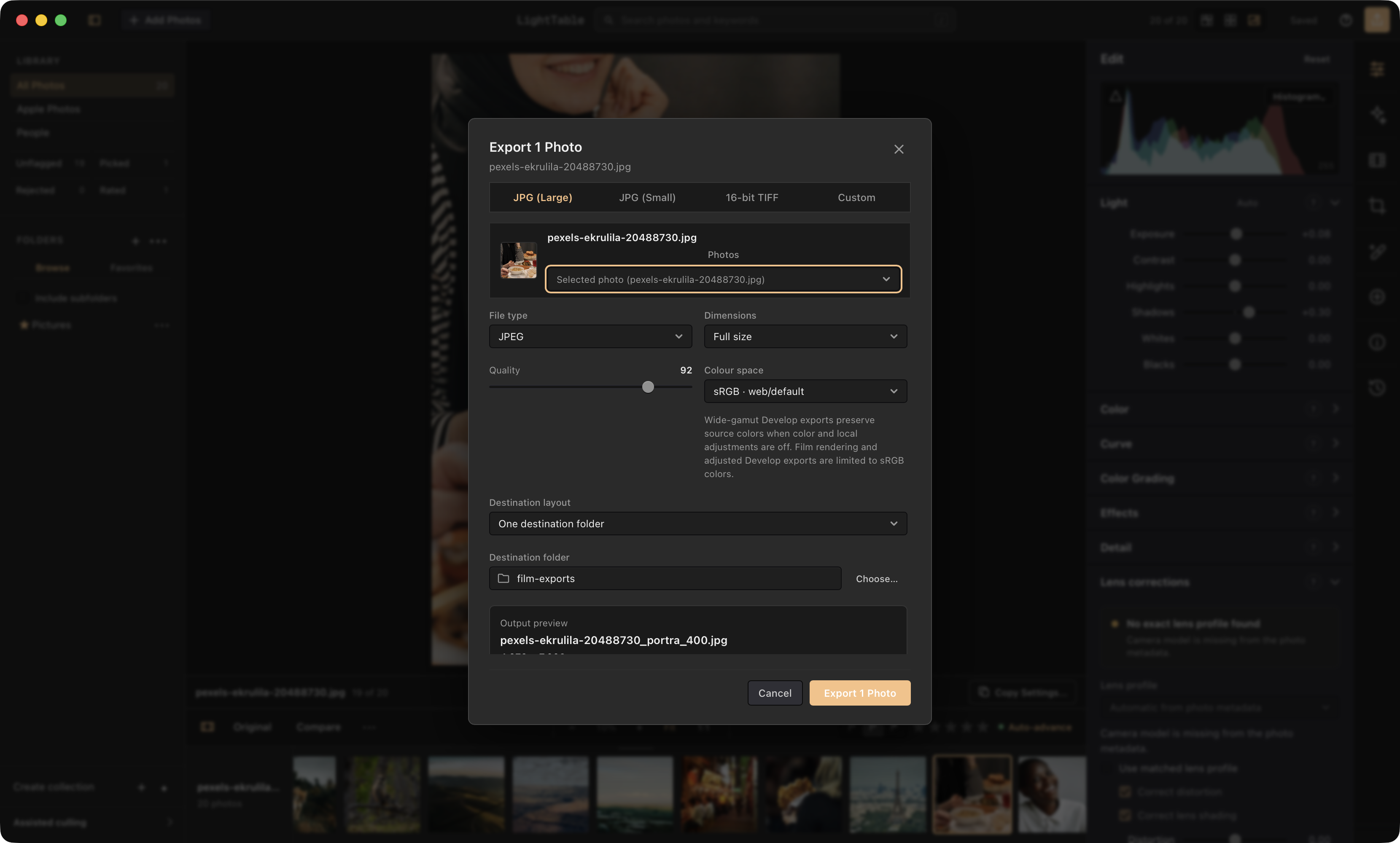
Ten views of the real LightTable interface, showing photo editing, film controls, and library tools.
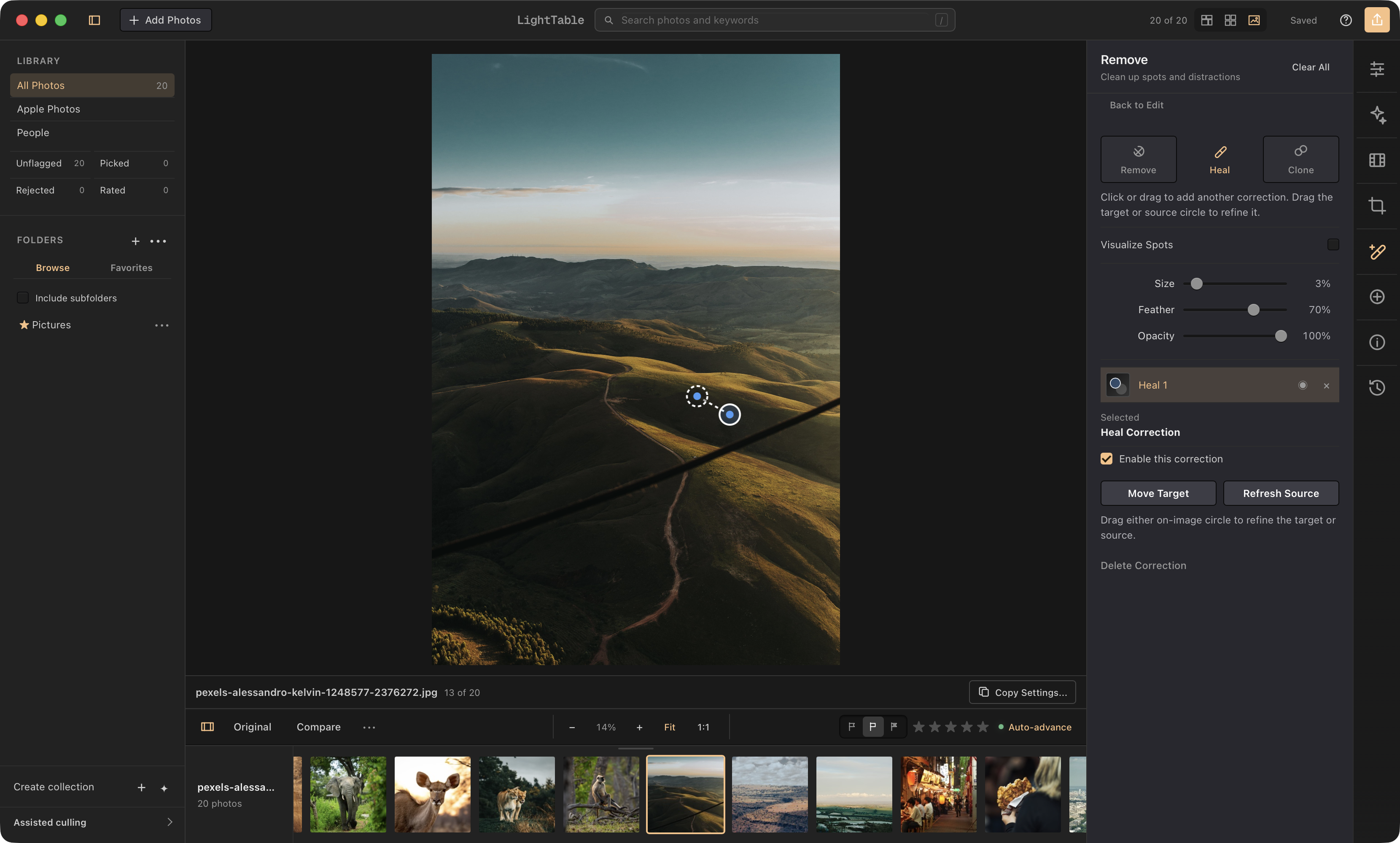
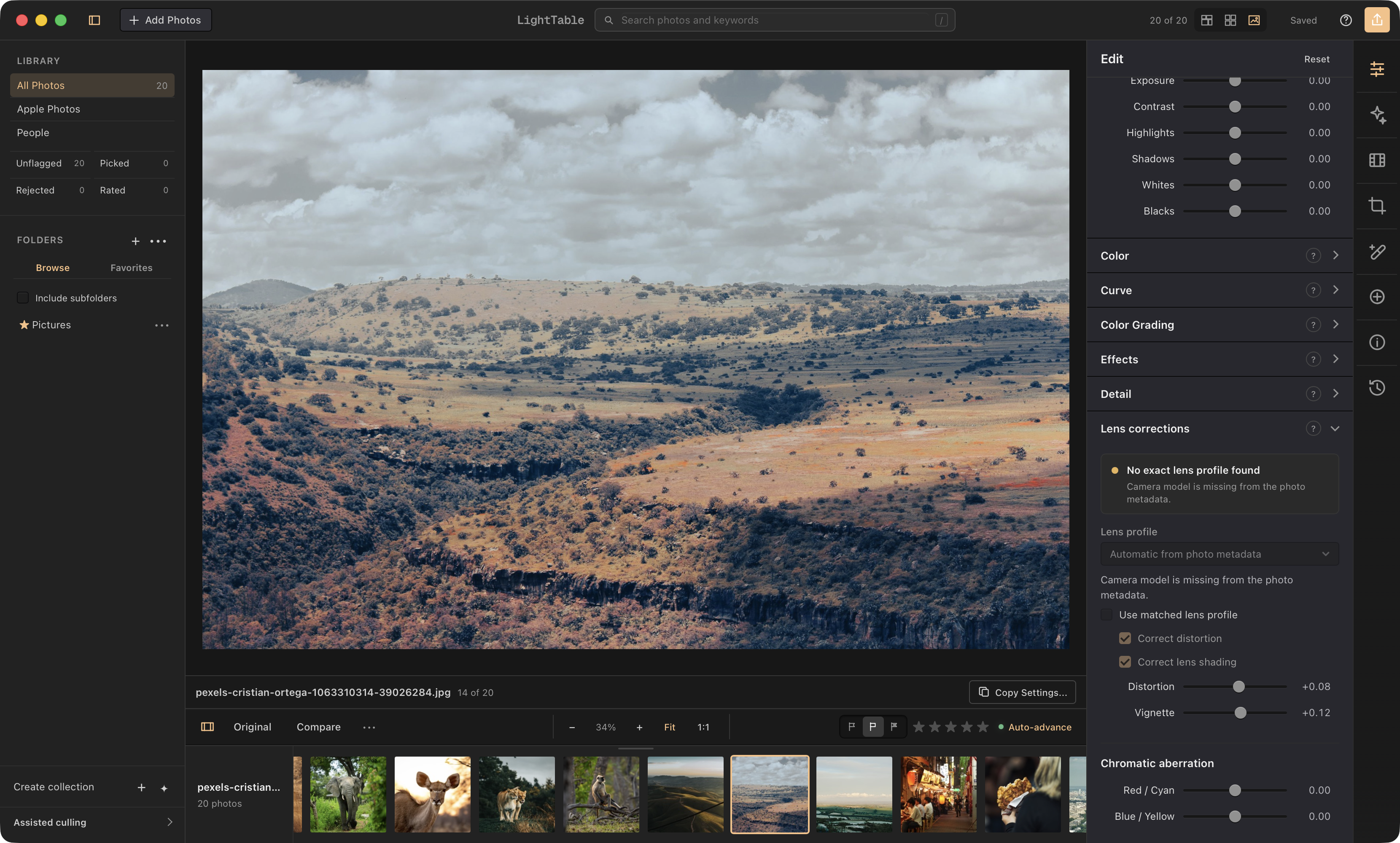
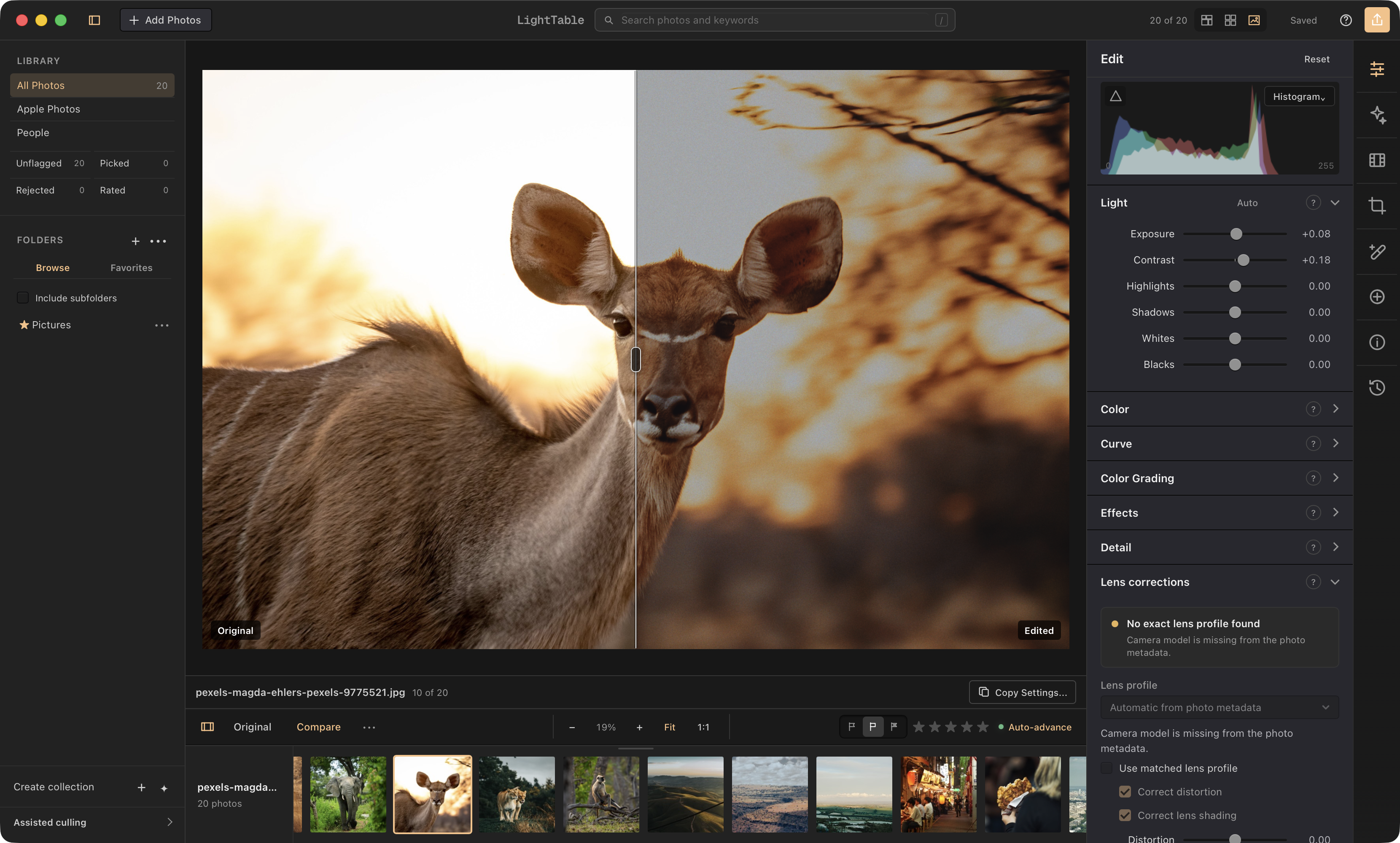
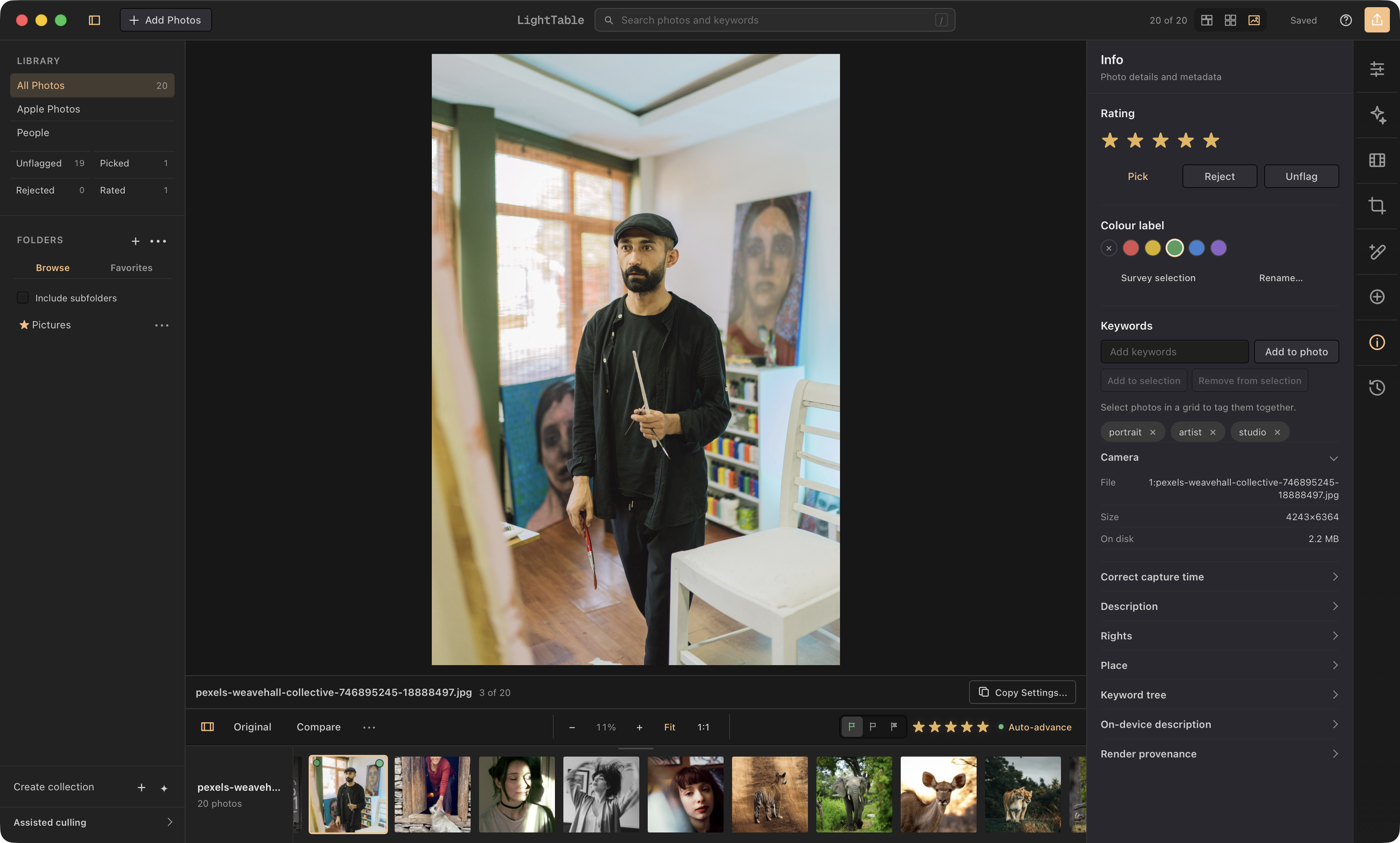
Film workspaceStock response, film format, output, and print exposureEditing workspaceFast, local, non-destructive light and color controlsCrop & rotateOn-image crop handles, aspect ratios, rotation, and reversible framingLocal masksGeometric, brush, subject, sky, object, depth, and people-aware selectionsRemove distractionsRemove, heal, and clone corrections stay editable on the photographLens correctionsLens profiles, distortion, shading, and chromatic aberration controlsOriginal vs. editedA draggable split compares the source with the complete editPhoto info & keywordsRatings, flags, keywords, EXIF, and render provenance in one placeNon-destructive historyEvery adjustment is recorded with the photograph and remains reversibleFull-resolution exportReusable recipes, color spaces, sizing, file naming, and collision handling
 LightTable