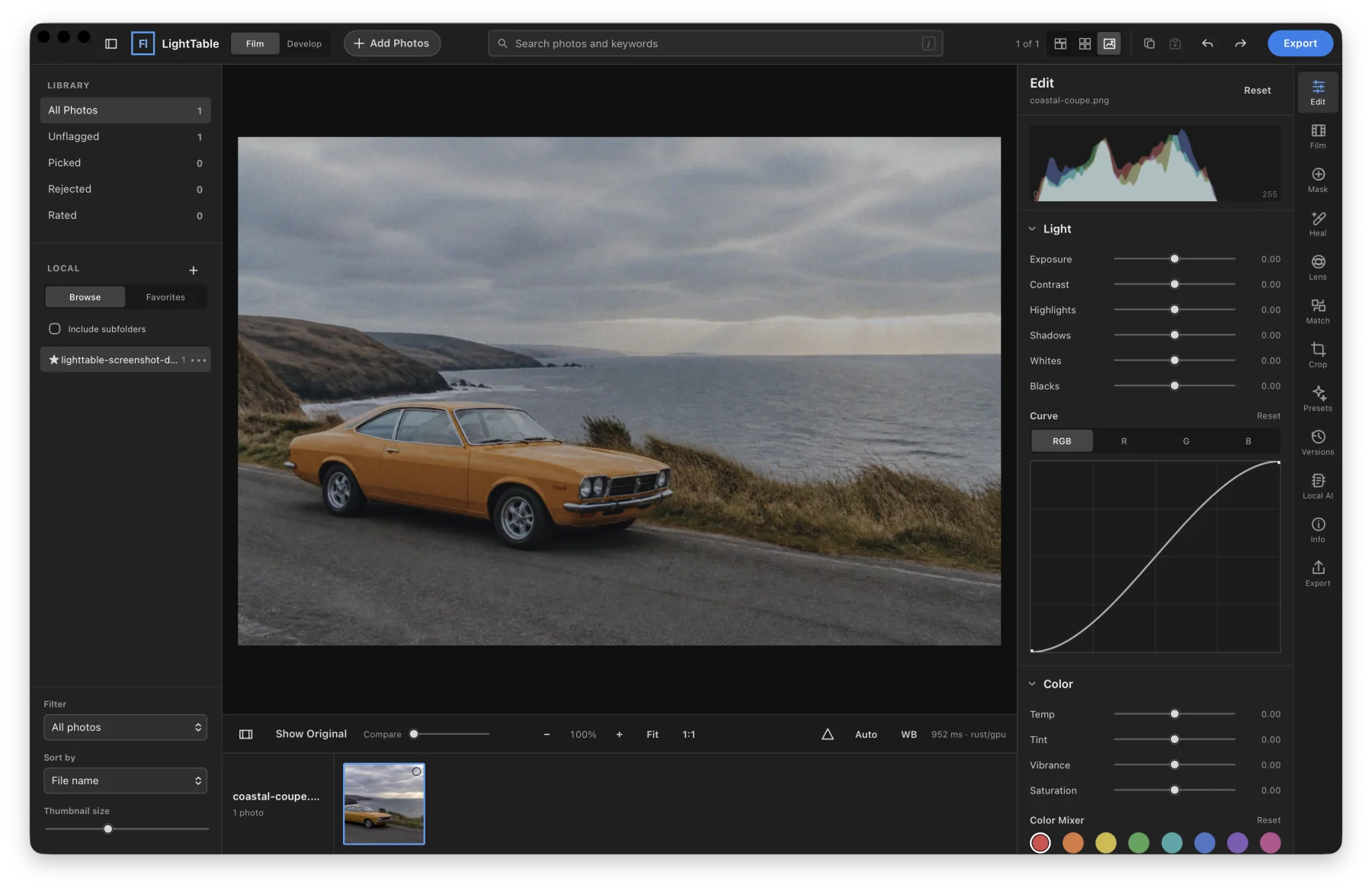
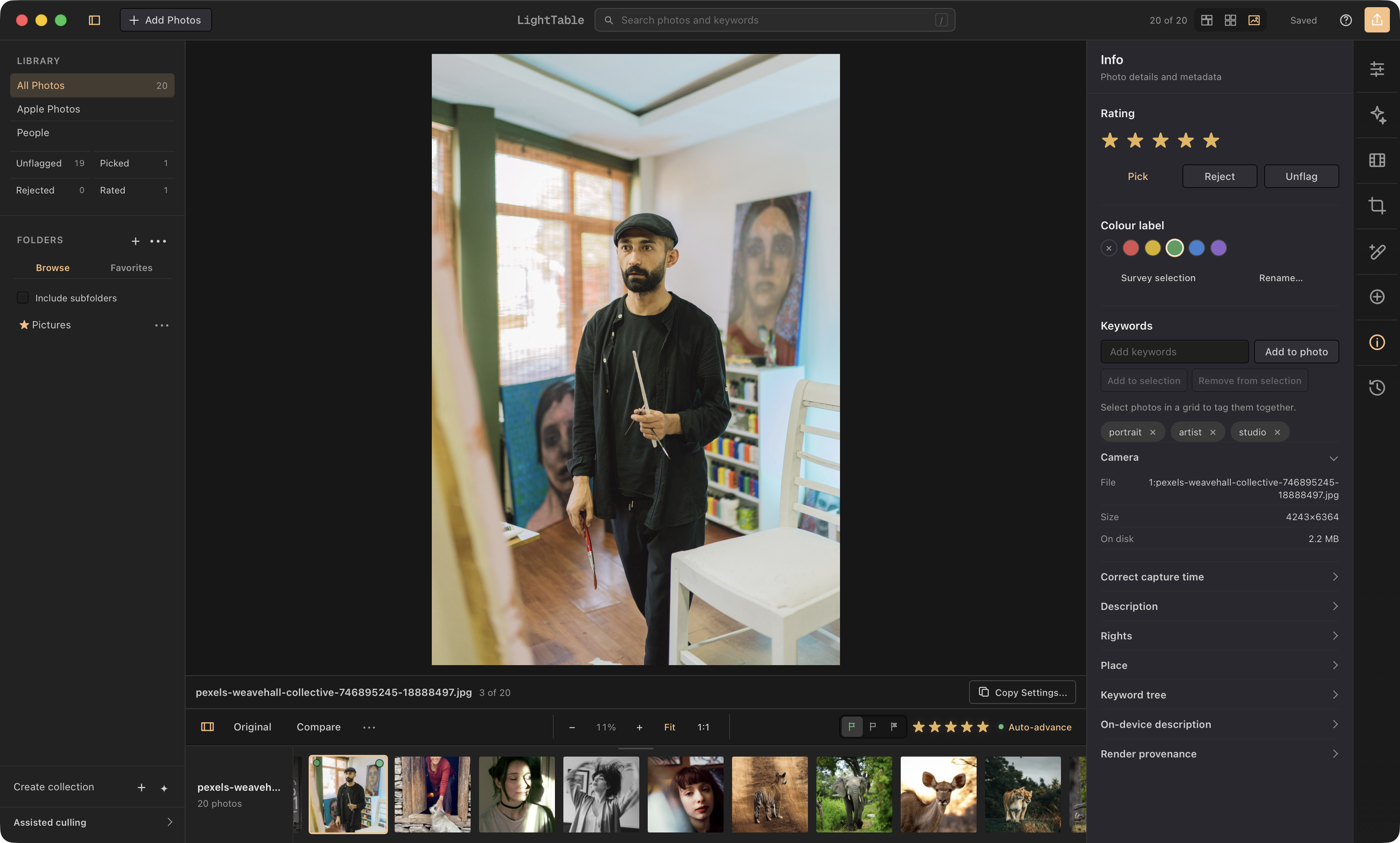
LightTable Highly performant digital darkroom with realistic film stock effects. Free and open-source.
- Rust core with GPU-driven rendering.
- Beautiful desktop app for macOS, Windows, and Linux.
- Built to be fully and effortless controllable by Claude Code / Codex via comprehensive CLI.
-
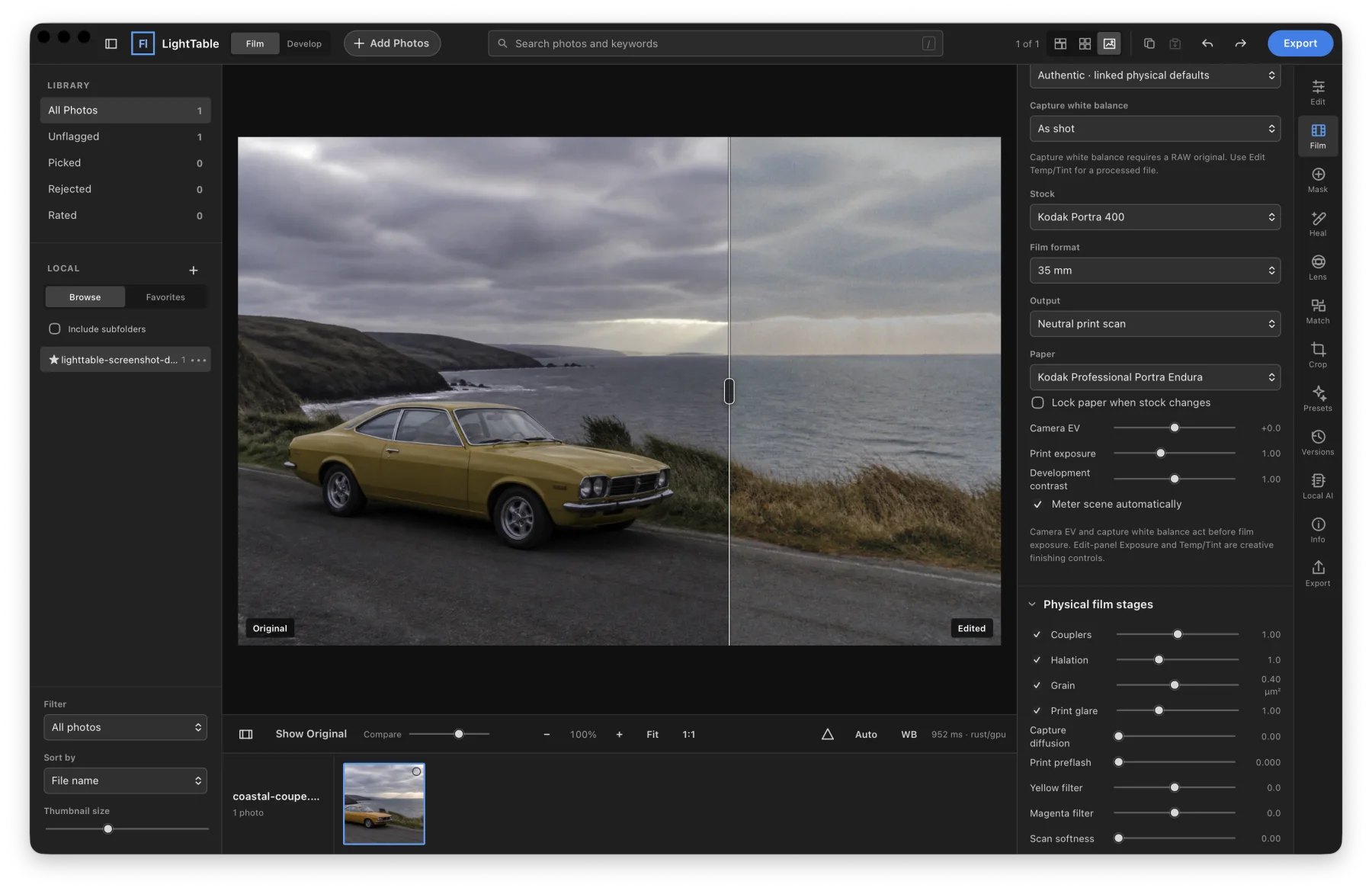
Ultra-realistic film simulation, beyond Lightroom, built on
spektrafilm.
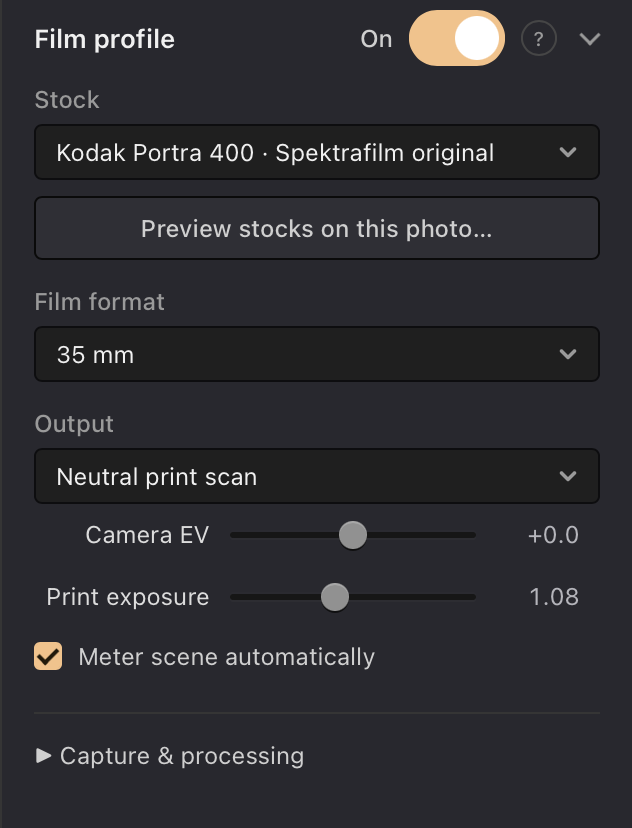
- 23 film stocks, with optional LightTable tuned Portra versions
- Physical grain scaled by stock and film format
- Capture exposure, white balance, and development controls
- Print paper, exposure, preflash, and Y/M filtration
- Halation, diffusion, glare, scan softness, and sharpening
- Easy migration from Lightroom, with XMP and legacy
.lrtemplatepreset compatibility. - If you are interested in helping us develop, design, or manage this project, please be in touch!
View releases
LightTable for Mac only works on Apple silicon. Intel Macs aren’t supported.
Version 0.7.6 · Released
brew tap reville/lighttable
brew trust --cask reville/lighttable/lighttable@beta
brew install --cask reville/lighttable/lighttable@beta
Apple silicon · macOS 14 Sonoma or later. Signed and notarized download.
View on GitHub Linux installation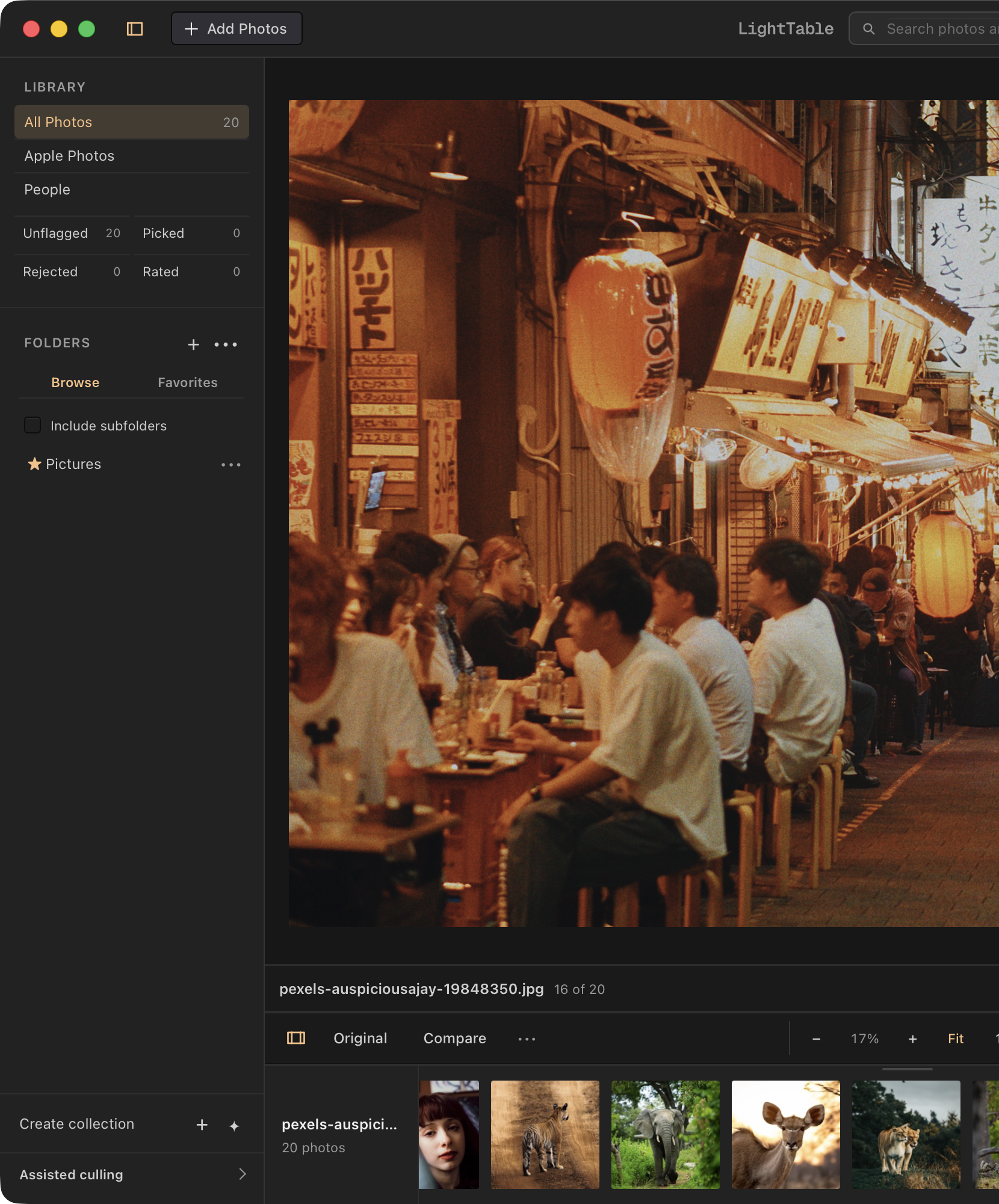
What makes LightTable good?
(Not sure if it's actually good? Ask your favorite AI tool to check out the project, code, and features.)
Level 0 Nerdery
- It's free
- It's well designed
- It's super easy to try out and switch from Lightroom (and it doesn't leave a mess if you try it and then decide not to switch).
- It can do more accurate and beautiful film simulation than Lightroom and other paid apps.
Level 1 Nerdery
- It's open-source, you can help improve it
- The film simulation tools are built on Spektrafilm, which carefully simulates film exposure, development, printing, and scanning.
- On Mac, it has optional AI subject recognition, which is helpful for organizing. All the AI uses local models, so it's totally private.
-
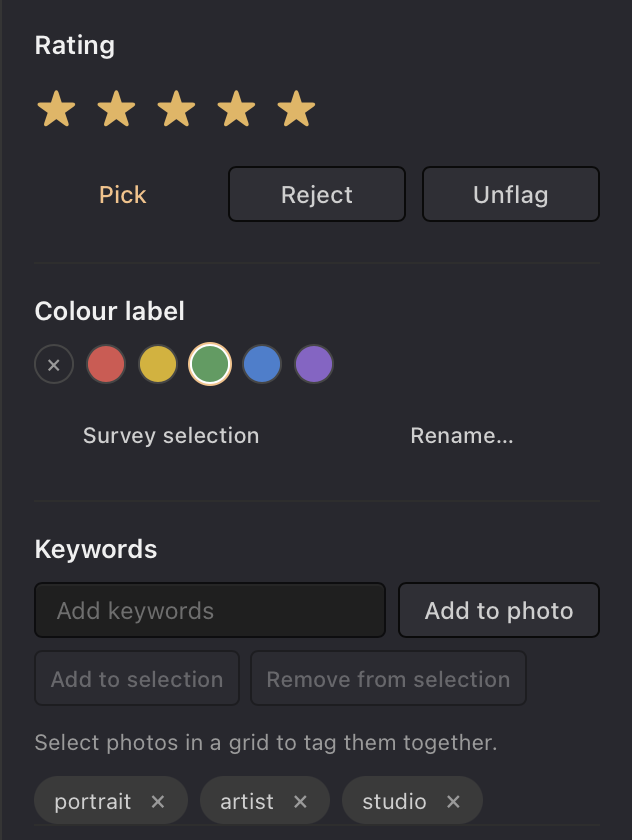
You can import your Lightroom Classic catalog and Lightroom presets.
- Ratings, keywords, collections, and supported edits come with the catalog.
- For cloud-based Lightroom, export your originals to files first.
- It tells you which imported settings it converted and which it skipped.
Level 2 Nerdery
- Its processing engine is built in Rust and uses GPU acceleration for speed.
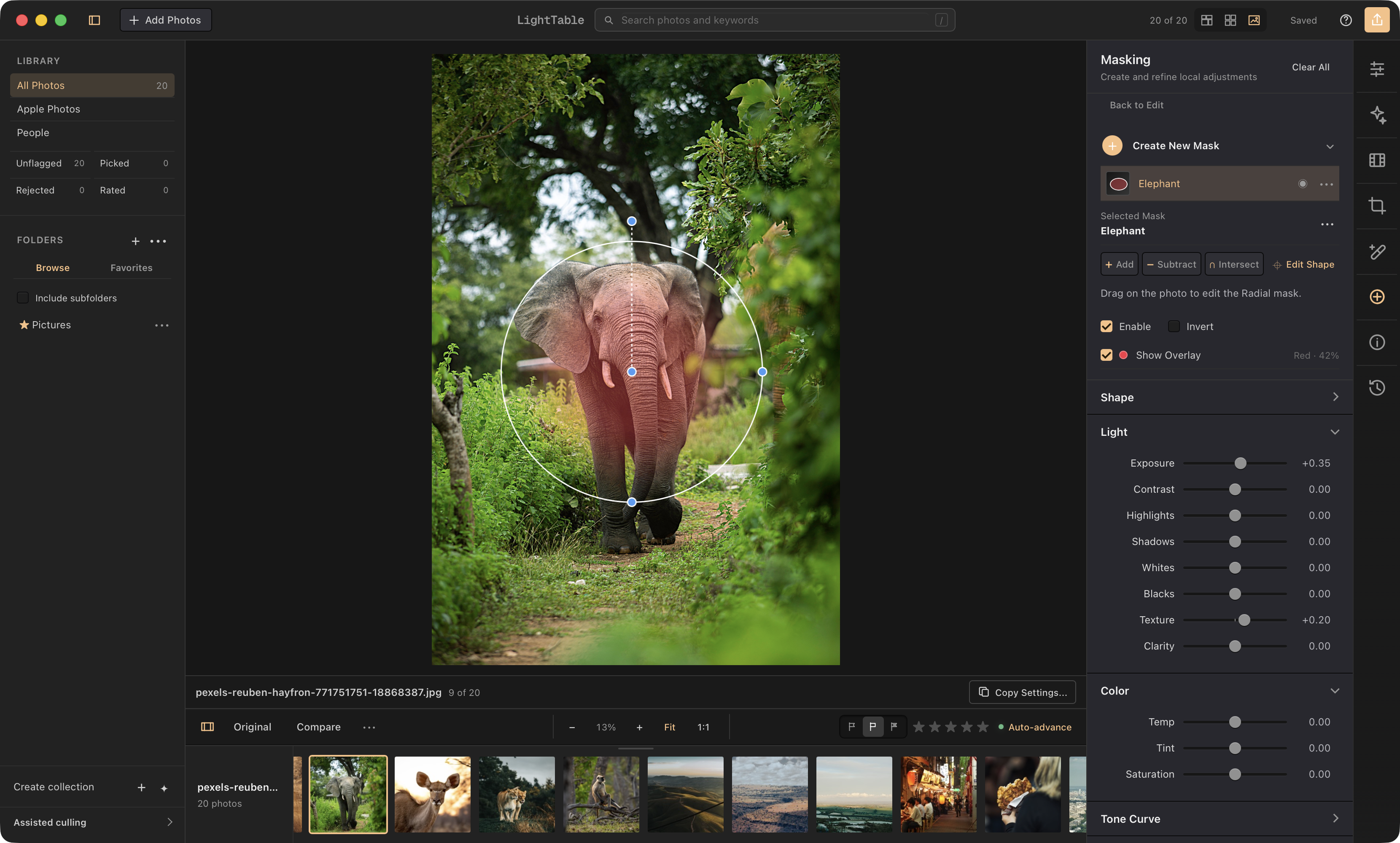
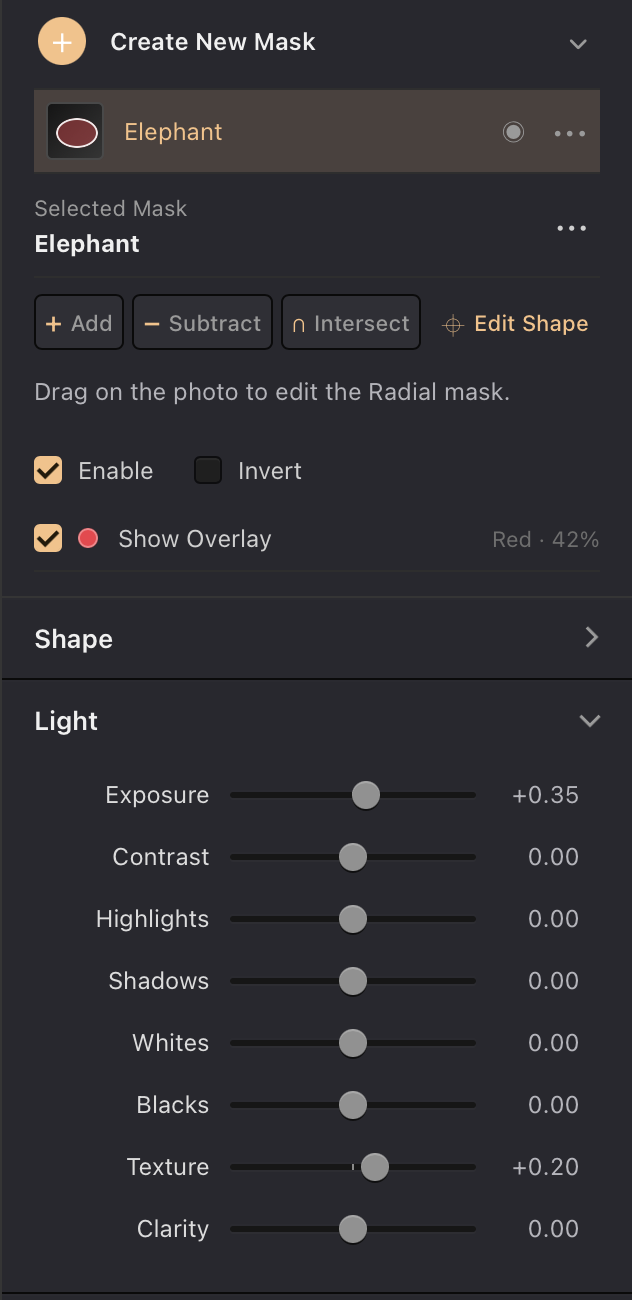
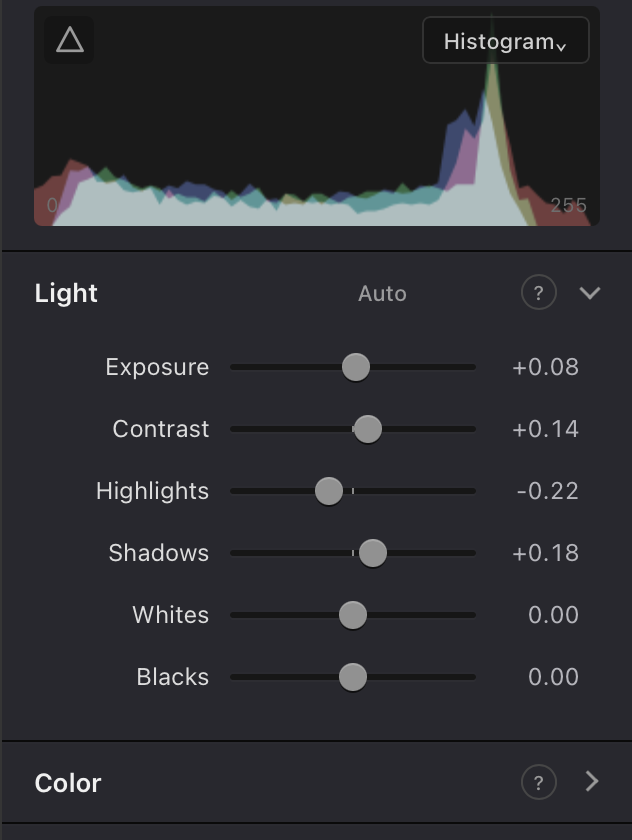
- It has curves, color grading, masks, healing, and cloning.
- You can also merge photos into HDR images, panoramas, and focus stacks.
-
Film stocks have their own color response, grain, and halation.
- You can change the film format, exposure, and development.
- You can choose print paper and adjust filtration, preflash, and scanning.
Level 3 Photo nerdy
-
It can automatically correct lens distortion, chromatic aberration, and vignetting.
- Automatic correction uses matching Lensfun profiles. Manual controls are available when your lens isn't covered.
-
It supports RAW files from 1,275 cameras.
- You can choose how RAW files are demosaiced and how highlights are recovered.
-
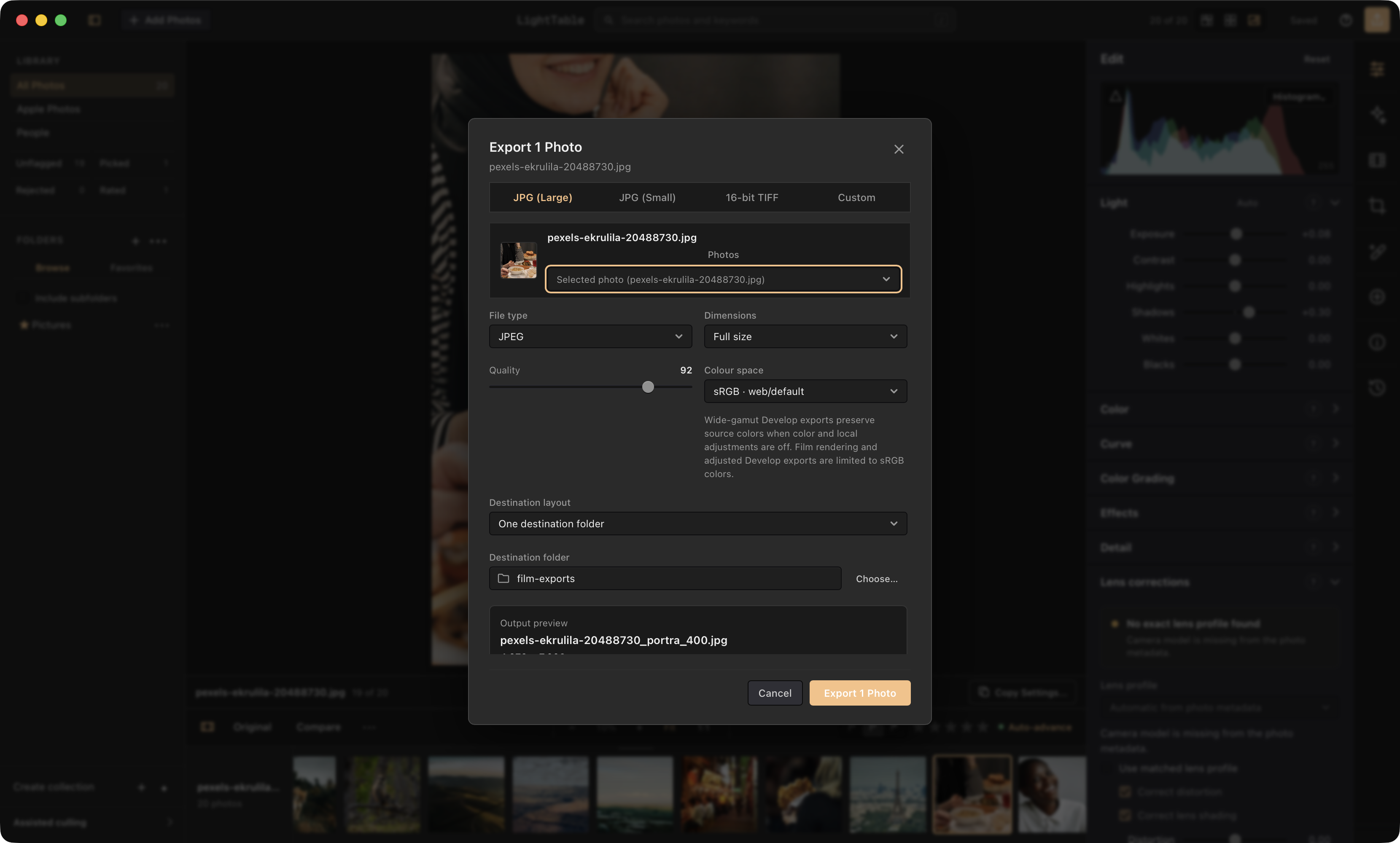
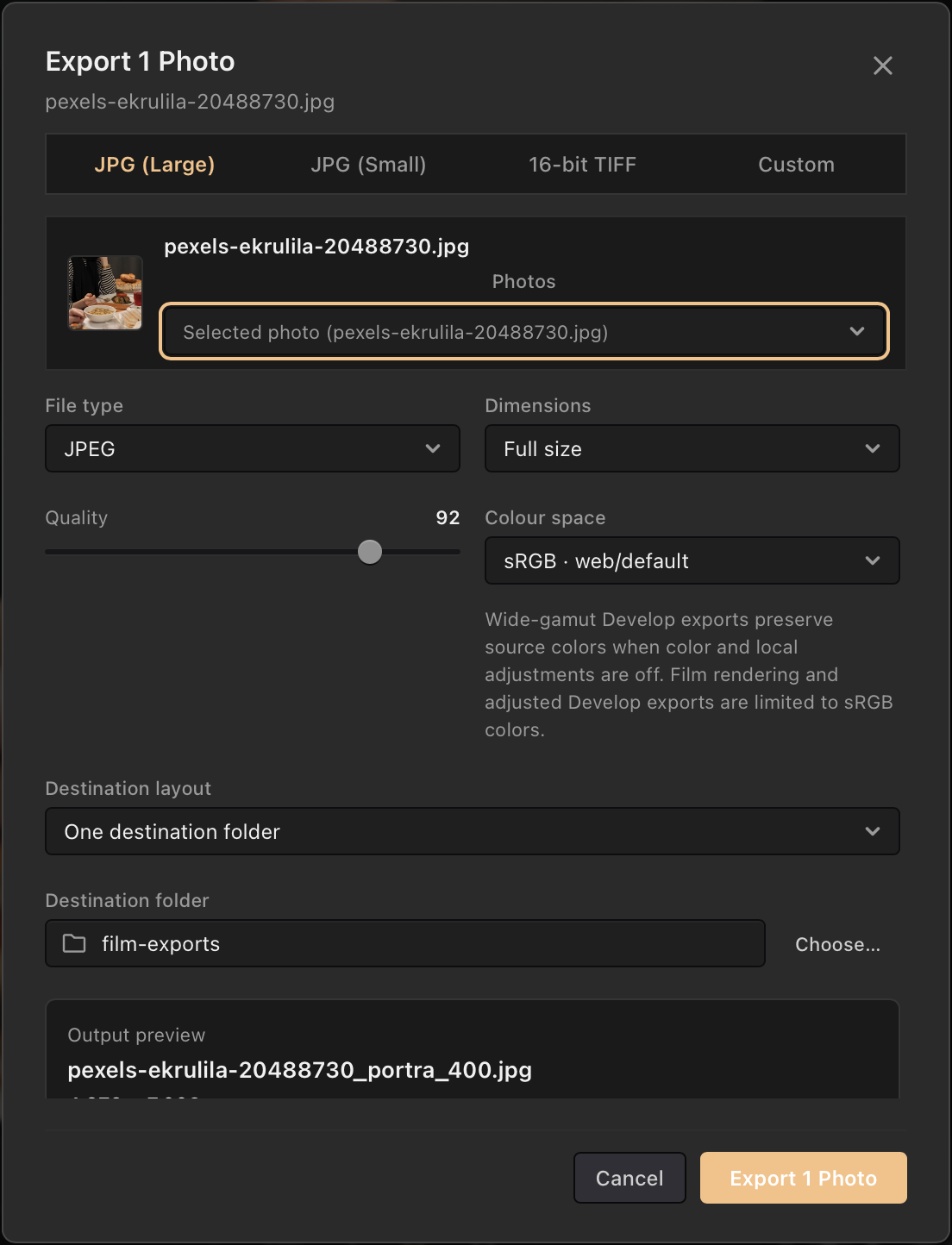
You can export in sRGB, Display P3, or ProPhoto RGB.
- Export 16-bit TIFFs, or 8-bit JPEG and PNG files. HEIF export is available on macOS.
- You can soft-proof images for screens and print.
- Preview and export use the same curves and color grading.